A women-only ride-sharing app is a ride-hailing product where the rider and the driver are both verified women. The idea is simple. The build is not. Verification, live location, fare bids and safety tools all have to work together, and they have to work on a phone in a moving car.
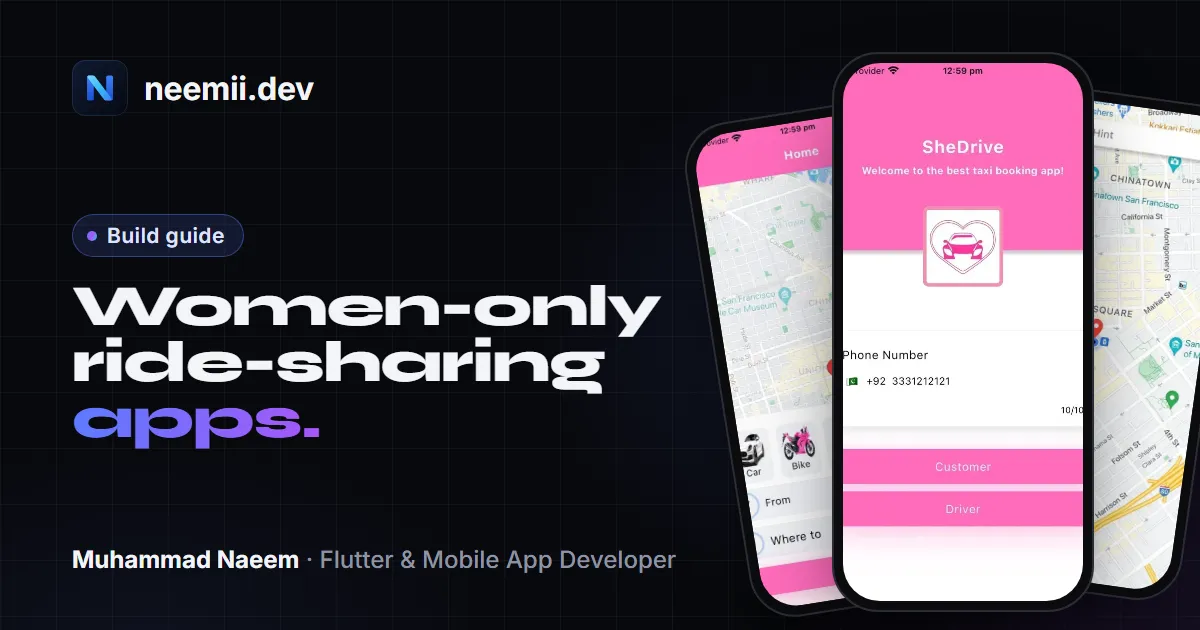
This post covers the features to scope first, a practical Flutter stack, and how to estimate cost. The cost section uses the same hour ranges and rates as my Flutter app development cost guide. I also draw on my work on SheDrives, a women-only ride app in Lahore, where I was one of the Flutter developers on the team.
Why women-only ride apps exist
Some women avoid app-based rides, or share the trip with a friend by phone, because they do not know who is picking them up or who else will be in the car. A women-only model tries to remove that uncertainty. The rider knows the driver is a woman who has passed verification, and the driver knows the same about the rider.
That promise is also the hardest part to deliver. If verification is weak, or a bug can match a rider with an unverified driver, the product fails at the one thing it exists to do. Build the trust and safety logic first, then the convenience features.
Core features
A women-only app needs the usual ride-hailing core: accounts, ride requests, maps, trip status, payments and ratings. On top of that, it needs a layer of trust features. This is the list I would scope first.
1. Verification for riders and drivers
Verify both sides, not only drivers. The model depends on both ends being women, so a rider should also go through a check before they can book a ride. Typical steps are phone number verification, a selfie checked against an ID document, and for drivers, licence, vehicle registration and a background check.
Show the status inside the app (pending, verified, rejected) so users know where they stand. Store the verification status in your database, not only in the UI, so the server can refuse ride requests from unverified accounts. A check that exists only on the screen is not a check.
From SheDrives: the slowest step was not the app, it was admin approval. An admin had to verify every record by hand, so new drivers waited in a queue. If you build one of these, plan the admin side as carefully as the app: a review screen that shows everything needed for one decision, filters for pending records, and enough admin time for launch week, when sign-ups peak.
2. Live tracking
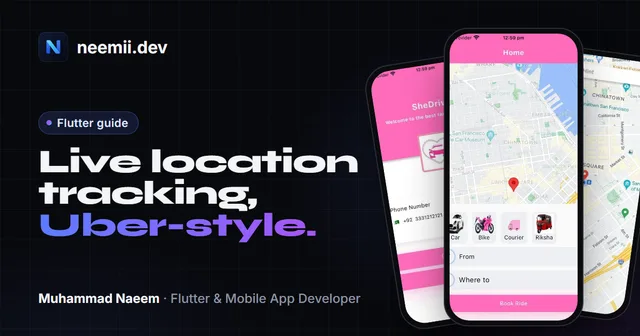
Riders need to watch the driver approach, and drivers need to see the pickup point. This needs a map SDK, a location stream from the driver’s phone, and a server that relays positions to the rider. Decide how often the driver’s app sends its location during a trip, and what happens when GPS drops, for example in an underpass or a building with poor signal. Those details matter more than the map style. The code for all of it is in Flutter live location tracking on Google Maps.
3. Fare bidding or fixed fare
A fixed fare is simpler. The app estimates a price from distance and time, and the driver accepts or declines. Bidding works differently: the rider posts a ride, drivers send fare offers, and the rider picks one. Bidding is closer to inDrive, and it adds more states to manage, such as open, bid received, accepted and expired.
A sensible first version is a fixed fare with an optional rider counter-offer. Add full bidding once the core trip flow, verification and support process are stable. SheDrives uses bidding, which is why the real-time section below covers it in detail.
4. SOS, emergency contacts and trip sharing
A rider should be able to share a live trip with a saved contact, see the driver’s name, photo and vehicle, and send an SOS alert. The SOS button needs a clear path. Decide who receives the alert: the rider’s emergency contacts, your support team, local emergency services, or all three. Then test that path on real devices with the app in the background and the phone locked, because that is when a safety feature gets used.
5. Ratings and in-app support
Both sides should rate each trip. Low ratings should flag an account for admin review rather than remove it automatically. Support should be reachable from inside the app, and every support request should be tied to a trip ID, so the support agent can see the route, the driver and the timestamps without asking the user to explain again.
6. An admin panel for verification
Verification is a queue. The admin panel needs to list pending users, show the uploaded documents, approve or reject with a reason, and log every decision. Build it as a web app, not as a screen inside the mobile app. Many projects underestimate this part, and the cost guide explains why admin panels take their own hours.
The real-time part
Real-time is where most of the risk sits. The SheDrives case study describes three things that had to work every time:
- Live tracking with no stale positions, so the passenger sees the driver move and the driver sees the pickup point.
- Bids on time, arriving within seconds, because a passenger who waits too long gives up and the driver loses the fare.
- Delivery to the exact user. Each bid and status update has to reach the one driver or passenger it belongs to, not a neighbour, and not twice.
Three things made the difference on SheDrives:
- WebSockets for live data. Tracking and bids moved onto a WebSocket connection, so updates are pushed as they happen instead of being polled.
- Separate layers. Connection handling, ride state and the UI were split apart. When a bid or location update goes wrong, you can see which layer owns it, and bugs are much easier to find.
- Testing in every sprint. Real-time flows were tested each sprint on real devices and real rides, with a QA engineer, and issues were fixed before the next release.
The team was four people: two Flutter developers, one backend developer and one QA engineer. My part was enhancing the app, fixing issues as they came in from real rides, and QA before each release. I did not build the whole system alone. For your own project, budget for the backend and QA as seriously as for the Flutter screens.
On the server side, the same principles apply to any real-time product. Authenticate every socket connection. Address each bid or status message to a specific ride and user, not broadcast it to everyone nearby. And test with two phones in the same area, because a broadcast bug usually shows up only when two people are close to each other.
From SheDrives: the most common real-device problem was inaccurate GPS: positions on the map didn’t match where the driver really was. We moved to Google Maps Platform for more accurate location, tested it repeatedly on real rides, and sent the driver’s location over the WebSocket every 3–5 seconds. That interval kept the map smooth without flooding the connection.
A Flutter stack to consider
These are options, not a fixed recipe. The right choice depends on your team, your hosting preferences and your budget.
- Flutter for iOS and Android from one codebase. You can ship riders and drivers as two apps or as one app with two modes. Two apps are common because the driver app carries heavier location and document flows.
- Maps: Google Maps Platform, with the Maps SDK for the map view and the Directions or Distance Matrix APIs for routes and ETAs. Check current pricing before you commit, since map calls are billed by usage.
- Real-time backend: a WebSocket server in a language your team knows well, such as Node.js or Go, or a managed real-time service.
- Database and auth: Firebase or Supabase for a faster start, or a custom Postgres setup for more control. Verification status lives here.
- Push notifications: Firebase Cloud Messaging for ride alerts when the app is in the background.
- Payments: a local payment gateway, cash, or both. A ride is a physical service, so it usually goes through your own gateway rather than in-app purchases, as the cost guide explains.
What it costs
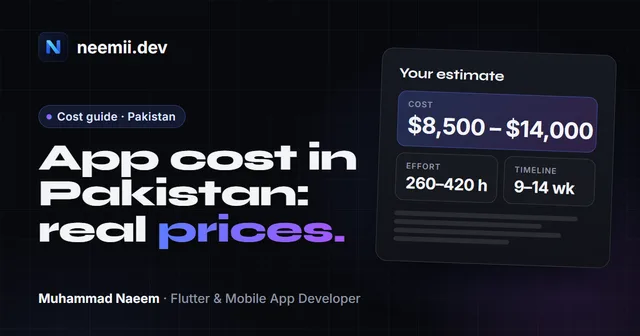
A women-only ride app with verification, live tracking, bidding, an SOS flow and an admin panel matches the complex band in the Flutter app development cost guide. That band is 1,400–2,500+ hours (an assumption), and ride-hailing is one of its examples. Using the same regional rates from that guide:
| Scope | Hours | South Asia ($25–$40/h) | Eastern Europe ($35–$75/h) | UAE agency ($55–$95/h) | US agency ($100–$150/h, assumption) |
|---|---|---|---|---|---|
| Medium | 600–1,000 | $15,000–$40,000 | $21,000–$75,000 | $33,000–$95,000 | $60,000–$150,000 |
| Complex | 1,400–2,500 | $35,000–$100,000 | $49,000–$187,500 | $77,000–$237,500 | $140,000–$375,000 |
A smaller first release can move toward the medium band if you limit it to one city, one role per app, a fixed fare and no bidding. That is an assumption, and the real hours depend on your feature list. Bidding and live tracking are the two items most likely to push the build back into the complex range.
For a first range based on your own feature list, use the free app cost calculator. The cost guide explains how each band is defined and what the hours include.
Legal and operations notes
These are the points to settle early. This is general guidance, not legal advice, so check the rules where you will operate.
- Driver background checks. Decide who runs the checks and what they cover. Get written consent from each applicant, and confirm what local rules allow before you collect any data.
- Data privacy. ID documents and selfies are sensitive. Collect only what verification needs, store it securely, limit admin access, and set a deletion policy. Your privacy policy must match what the app actually collects. See app privacy policy requirements.
- Store policies. Apple and Google review apps that handle accounts, location and safety features. Expect questions about location permissions and data collection, and fill in the App Store privacy details and Google Play data safety form accurately. For the submission process, see publishing a Flutter app on the App Store and Google Play.
- Support for safety reports. Before launch, decide who answers a safety report, how fast they respond, and what they do with the trip data.
Frequently asked questions
Can one Flutter app serve both riders and drivers?
Yes. You can ship one app with a rider mode and a driver mode, or two separate apps that share a backend. Two apps keep the driver’s location and document flows out of the rider’s experience, and each app stays simpler to test and update. Decide this before you design the navigation, because it changes the build.
How long does a women-only ride app take to build?
It depends on scope. The complex band in the cost guide is 1,400–2,500+ hours (an assumption). Real-time features and verification are the usual reasons a project runs longer than planned. Ask for a timeline only after the feature list is agreed.
Should the first version include bidding?
Not necessarily. A fixed fare is easier to test, support and explain to users. Add bidding once the trip flow, verification and support process work well in the real world. Bidding is worth building well, and it is also the part of the real-time work described above that needs the most testing.
For a real estimate, send me your idea. I am Muhammad Naeem, a Flutter developer in Lahore building iOS and Android apps for startups in the UAE, Pakistan and worldwide. Tell me which features matter most, and I will reply with a scope, a timeline and a price range, free and with no obligation.
Need a Flutter app built? Tell me about your project, or see case studies of apps I’ve worked on.