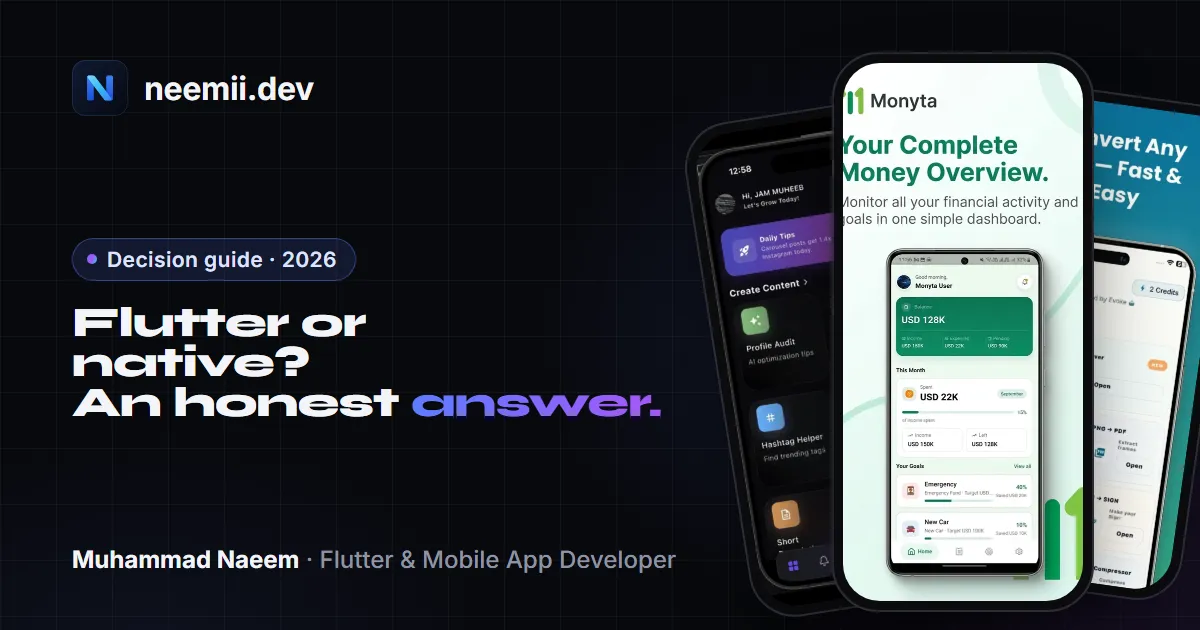
Short answer: for most startups and business apps in 2026, Flutter is the better choice. You build one app instead of two, ship to iOS and Android at the same time, and spend your budget on features instead of keeping two codebases in sync. Native development (Swift for iOS, Kotlin for Android) is still the right call when the app’s main value depends on deep platform features, or when you can afford two specialist teams for the long run.
I’ve worked on 10+ Flutter apps that are live on the App Store and Google Play, and I also write native Kotlin when a feature needs it. Here is how I help clients decide.
The quick comparison
| Flutter | Native (Swift + Kotlin) | |
|---|---|---|
| Codebases | One, in Dart | Two: Swift/SwiftUI for iOS, Kotlin/Jetpack Compose for Android |
| Team | One Flutter team | An iOS developer and an Android developer (at least) |
| Build cost | Close to one app, plus some platform-specific work | Close to two apps |
| Time to launch on both stores | Same day on both | Often one platform first, the other later |
| UI consistency | Identical design on both platforms by default | Each platform looks and behaves natively by default |
| Performance | Smooth for almost all business apps | Best possible, with direct platform access |
| New OS features | Usually available through plugins, sometimes after a delay | Available on day one |
| Long-term maintenance | One codebase to update | Two codebases to update and keep in sync |
Where Flutter wins
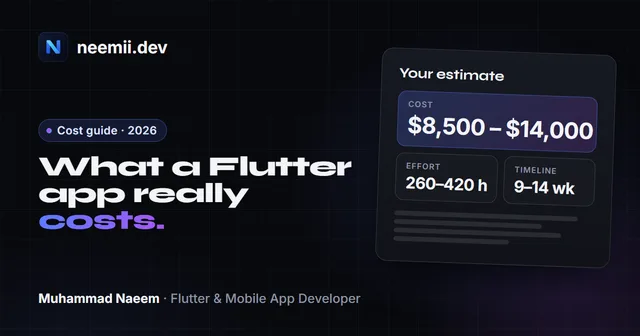
Cost and speed. The biggest difference is simple: one codebase. Screens, business logic, API calls, state management and tests are written once. For a typical MVP with sign-in, a few core screens, a backend and push notifications, that usually means a much smaller budget and an earlier launch than building twice. You can get a first estimate from the app cost calculator, and the Flutter app development cost guide breaks down where the hours go.
Both stores at once. With native, many teams launch on one platform and leave the other for later, which splits your users and your feedback. With Flutter, iOS and Android users get the same features on the same day.
One design, everywhere. Flutter draws its own UI, so your design looks the same on every phone. For brand-heavy apps that’s a feature, not a limitation. If you want platform-specific touches, such as iOS-style switches, you can still add them.
Easier maintenance. Apps are never finished. Store requirements change every year, SDKs get updated and features get added. With one codebase, every fix and every update happens once. The app maintenance checklist covers what that looks like each year.
Performance is not the problem it used to be. Flutter compiles to native machine code, and its Impeller renderer is now the default on iOS and modern Android. For business apps, marketplaces, social apps, booking apps, ride-hailing, AI tools and dashboards, users can’t tell the difference.
Where native still wins
Deep platform features are the product. If your app is mainly a home-screen widget, an Apple Watch or Wear OS app, CarPlay or Android Auto, heavy AR, or advanced camera and audio processing, native is the safer choice. Flutter can call native code through platform channels, but if most of the app lives there, you lose the benefit of sharing code.
You need new OS features on day one. Apple and Google announce new APIs every year. Native apps can use them immediately. In Flutter you wait for a plugin, or write the native part yourself.
Every megabyte matters. A Flutter app includes its engine, so the smallest possible app is larger than the smallest native one. For most apps this doesn’t matter. For apps targeting very low-end devices or markets with expensive data, it can.
You already have two strong native teams. If an iOS team and an Android team are already in place and productive, switching to Flutter costs time. The case for Flutter is strongest when you’re starting fresh or rebuilding.
What about React Native and Kotlin Multiplatform?
React Native is the other main cross-platform option. It’s a good fit if your team already knows React and JavaScript, especially if you share code with a React web app. Flutter tends to give more consistent UI and performance out of the box, and its tooling feels more complete for mobile.
Kotlin Multiplatform shares business logic between iOS and Android while each UI stays native (or uses Compose Multiplatform). It suits teams with strong Android and Kotlin skills who want native UI with shared logic. It’s a middle path: more sharing than fully native, less than Flutter.
How I decide with clients
I ask four questions:
- Does the app’s core value depend on one platform’s special features? Widgets, watch apps, CarPlay, heavy AR. If yes, native or a hybrid.
- Do you need both iOS and Android from launch? If yes, Flutter saves the most.
- What’s the budget for the first year, including maintenance? If one team is all you can fund, Flutter.
- Who will maintain it later? One Flutter developer can keep both apps running. Native needs both skill sets.
For most founders I talk to, from ride-hailing and marketplaces to AI apps and internal business tools, the answers point to Flutter. When a single feature needs native code, such as a background location service or a custom camera pipeline, I write that part in Kotlin or Swift and keep the rest in Flutter. You get one codebase with native power where it counts.
Frequently asked questions
Is Flutter good enough for production apps in 2026?
Yes. Flutter is used for large production apps across banking, e-commerce, ride-hailing and AI products. It compiles to native code, renders smoothly with its Impeller engine, and ships to both stores from one codebase. The apps I’ve worked on, including a ride-hailing app with 10,000+ downloads and AI apps on both stores, are built in Flutter.
Is Flutter cheaper than native development?
Usually, yes. You build and maintain one codebase instead of two, with one team instead of two. Platform-specific work still adds some hours, but the total is normally much closer to one app than two. The saving grows over the years, because every update and store requirement is handled once.
Can a Flutter app use native features like GPS, camera and payments?
Yes. Common features such as location, camera, maps, push notifications, in-app purchases, biometrics and file access have mature plugins. For anything without a plugin, Flutter calls native Swift or Kotlin code through platform channels, so nothing is off-limits.
Will users notice my app is built with Flutter?
Not if it’s built well. Flutter apps run at a smooth frame rate and can follow each platform’s conventions where it matters, such as back navigation and system dialogs. Users judge the design and speed, not the framework.
When should I definitely choose native?
When the app’s main job depends on platform-only features, such as widgets, smartwatch apps, CarPlay or Android Auto, or heavy AR. Also when you need every new OS feature on release day, or when you already have productive iOS and Android teams.
Not sure which fits your app? Tell me what you’re building. I’m Muhammad Naeem, a Flutter developer in Lahore working with startups in the UAE, Pakistan and worldwide. I’ll reply within 24 hours with an honest recommendation, even if it’s native. See also Flutter app development and AI app development.
Need a Flutter app built? Tell me about your project, or see case studies of apps I’ve worked on.