
How it works
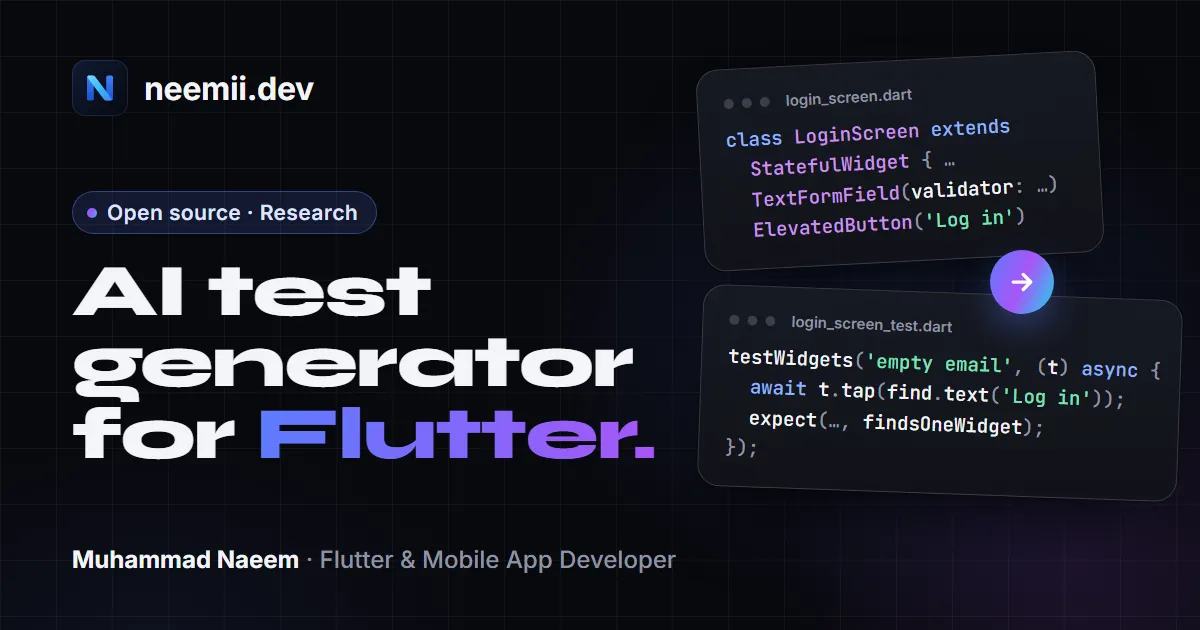
- Reads your code. The official Dart analyzer parses the project into an abstract syntax tree (AST). FlutterASTest finds the screens, widgets, navigation, form validators, state (including Provider and Riverpod) and dependencies.
- Builds a compact map of the app. Those pieces become a small knowledge graph of the program, so the model gets the parts that matter for a screen instead of whole files.
- Writes tests. An AI model writes the tests from that structured context, using fixed prompt templates.
- Runs them. The tests run with
flutter testand your project’s own Flutter version, with line and branch coverage. - Repairs failures. Compiler errors and failing tests go back to the model, up to 5 times.
- Keeps your suite green. Only passing test files are saved, in
test/flutterastest/. Your own test files are never overwritten.
Your code stays on your machine
By default FlutterASTest uses a local model through Ollama, so no code leaves your computer. You can switch to Gemini or any OpenAI-compatible service with your own API key, which VS Code keeps in its secret storage; in that case the provider receives the parts of your code it needs. There are no accounts and no telemetry.
Install
- VS Code: install FlutterASTest from the Marketplace, run “Check Setup”, then “Generate Widget Tests for Chosen Screens”.
Command line:
dart pub global activate --source git https://github.com/mNaeem700/FlutterASTest
flutterastest init       # choose a provider
flutterastest doctor     # check the setup
flutterastest generate --screen LoginScreen
You need the Flutter SDK 3.x, and either Ollama with a code model or an API key for Gemini or an OpenAI-compatible service.
Status and limits
- It’s a pre-release. Generated tests can be wrong, so review them like any code you add.
- Screens that depend on Firebase, the network or other heavy services are harder to test, and some generated tests for them fail.
- Generated tests run your app’s code on your machine. Network calls are answered by Flutter’s test HTTP client, which is not an operating-system-level block.
The research
I’m writing a paper on this approach: giving a language model the program’s structure (from the AST) rather than raw source text when it writes Flutter widget tests. The repository includes the full experiment setup, with plain prompting as the baseline, ablations that switch off one part of the pipeline at a time, coverage and mutation testing, and fixed seeds so runs can be repeated.
The evaluation is in progress. Results will be published here with the paper; until then this page makes no claims about how well it performs.
Feedback and contributions
Bug reports and ideas are welcome on GitHub Issues. The project is MIT licensed.
Need tests for a Flutter app that already exists, or help keeping one healthy? See app maintenance and support or tell me about your project.